Referencing data in the UI#
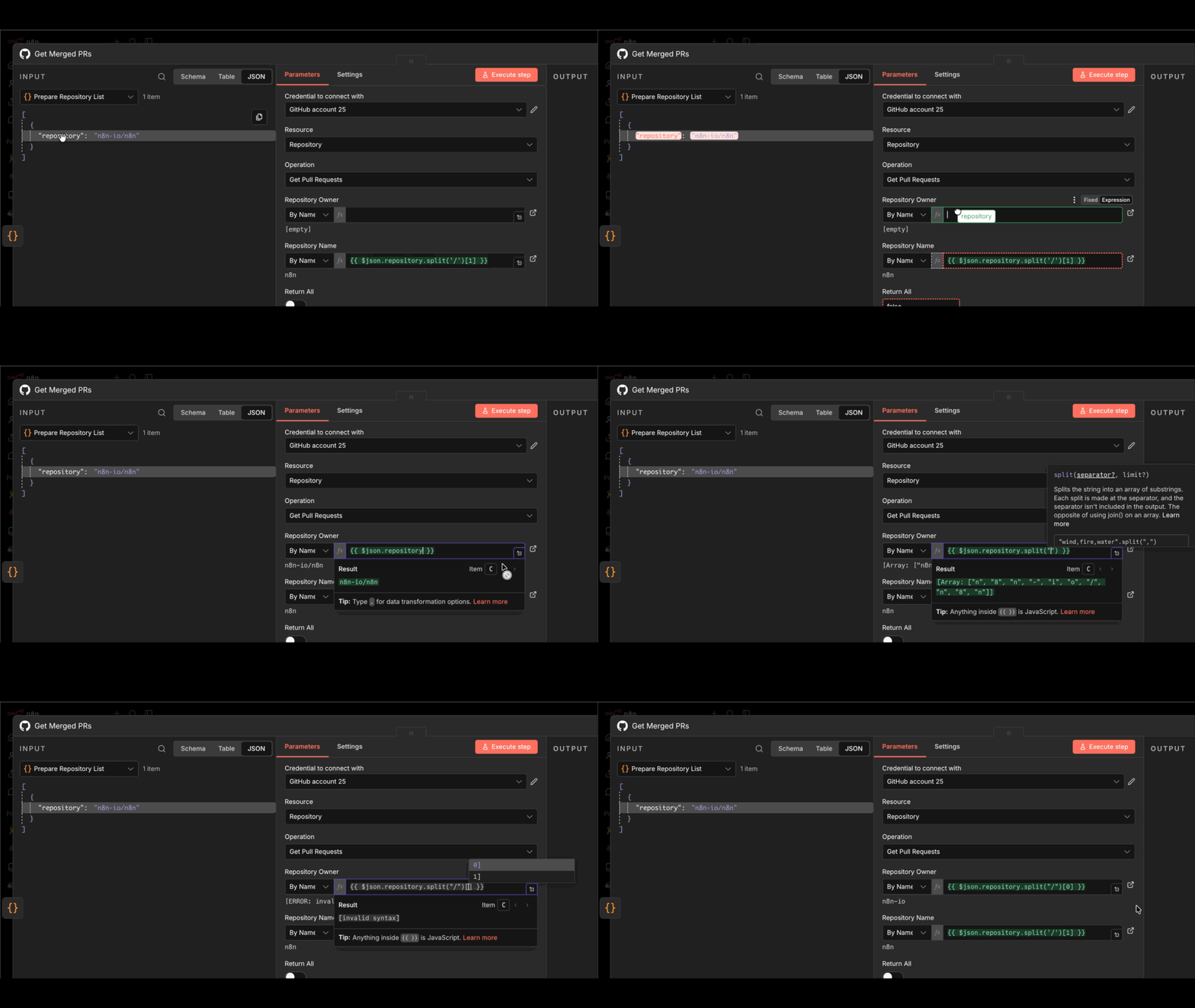
Data mapping means referencing data from previous nodes. It doesn't include changing (transforming) data, just referencing it.
When you need data from a particular node in your workflow, you can reference nodes by name. This is useful when your workflow has multiple branches or when you need to access data from several steps back.
You can map data in the following ways:
- Using the expressions editor.
- By dragging and dropping data from the INPUT pane into node parameters. This generates the expression for you.
For information on errors with mapping and linking items, refer to Item linking errors.
See Common ways of referencing.
This page was